
Happy Holi AI Photo Editing Prompts – During the festival of Holi, cinematic and colorful photos often go viral across social media platforms. As we know, Holi is all about vibrant colors and joyful celebrations. But what if you could create stunning, professional-looking Holi photos without actually applying colors to your face or clothes?
With the help of AI tools like ChatGPT, Google Gemini, and other creative platforms, it is now possible to generate highly realistic and visually appealing images. In this article, I will share some ready-made frames and effective prompts that can help you create such photos easily. I will also guide you through simple tutorials so you can achieve the best results.
These types of AI-generated Holi images are currently trending, and creating them can help you stand out on social media. I highly recommend trying these methods to create unique and eye-catching festive visuals.
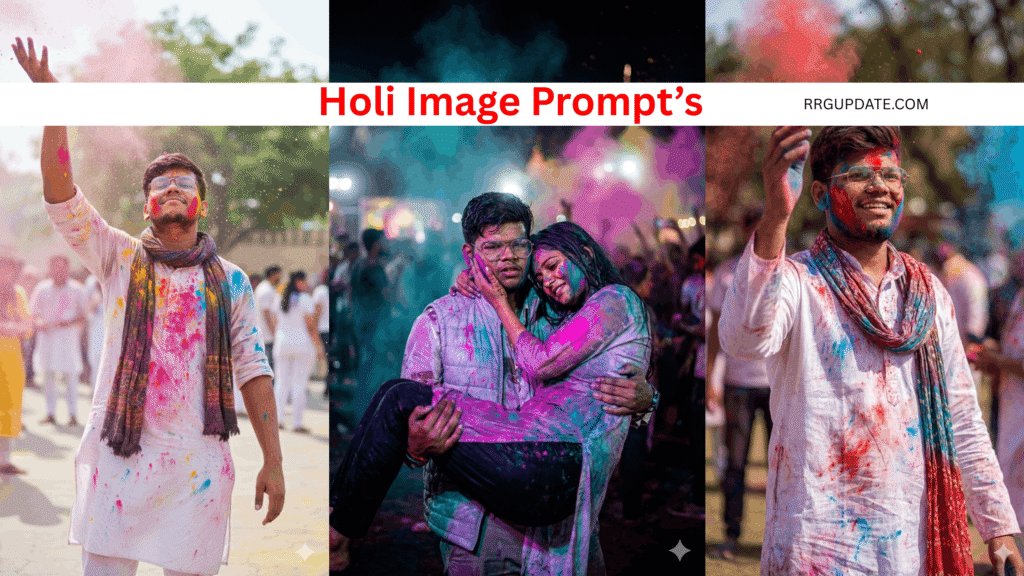
Details Of Happy Holi Ai Photo Editing Prompts
This prompt is designed to keep the subject perfectly centered, ensuring that all attention remains on them. In the background, you’ll notice vibrant splashes of color created with realistic gulal tones and natural lighting, which enhance the festive feel. A soft blur effect is applied to the surroundings, keeping the subject sharp and in focus while the background remains slightly blurred for a cinematic look.
The scene may also include people in the background celebrating Holi, playing with colors and adding a lively atmosphere. Elements like a temple or a traditional street setting further enrich the composition with a subtle, colorful backdrop. The final result is a cinematic, highly realistic, and Instagram-ready Holi portrait.
You can customize the prompt according to your preference, but even without any changes, the output is strong enough to be shared directly on social media.
How To Create Your Own Ai Image
Everyone has their own style of creating AI images, but many people still find it confusing or difficult. My goal is to make this process simple so that anyone can easily create stunning Holi photos without any hassle. In this article, I will guide you step by step on how to create these images using Google Gemini, as it is widely used and very beginner-friendly.
I have already provided multiple ready-made prompts in different styles—choose the one you like the most. Simply copy the prompt, as it will be used to generate your image. Below the prompt section, you will find a “Create Image” option with a link to Google Gemini. Once you click on it, a new page will open.
Now, paste the copied prompt into Google Gemini. After pasting, you will see a “Write” option select the “Create Image” feature from there. Next, click on the “+” (Plus) option and upload any photo that you want to convert into a Holi-style image.
Finally, click on “Generate” and wait for a few seconds. The AI will process your input and provide you with a high-quality, visually appealing Holi image ready to share on social media.
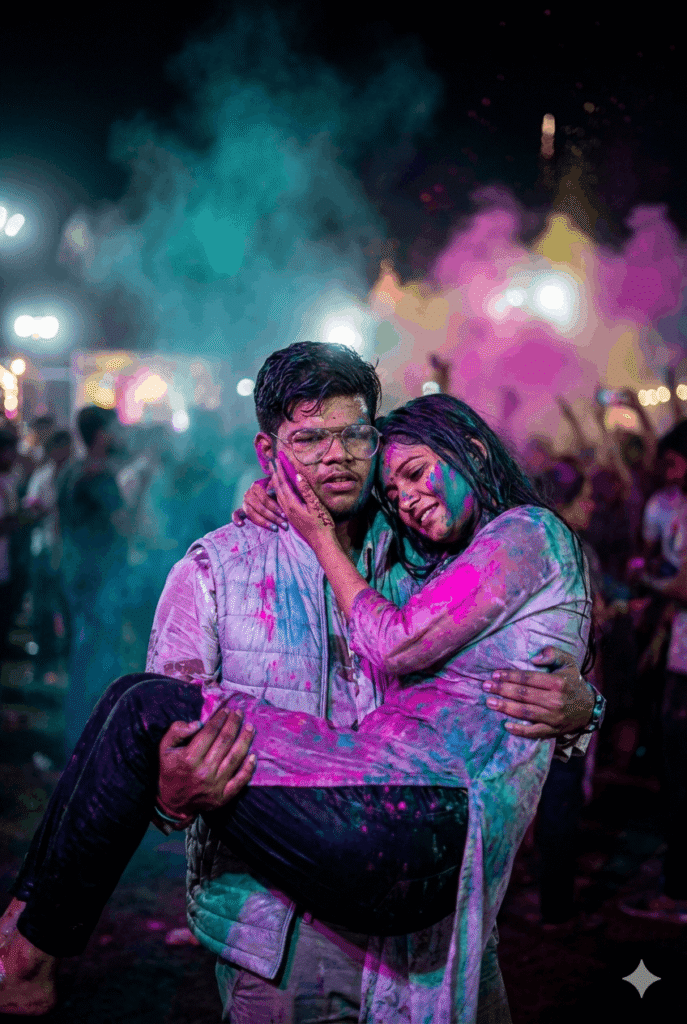
Use this reference image 100% face
Cinematic photorealistic Holi image of same couple, him cradling her slumped form in arms like post-battle surrender, her hand on his heek weary smile, electric pinks/blues/greens on soaked outfits, mid-air color haze, bokeh festive scene, flawless face consistency, 8K vertical -ar 4:6 -v 6-style raw
